Navigation (Full Width)
Navigation (Full Width) is used to place a navigation block across full width of the screen. Drag section up or down to rearrange. Before using this section you need request OIT to create a middle navigation block.

Instruction to add full width middle navigation to a page
- Send an OIT ticket with detail navigation information to request creating a middle navigation block
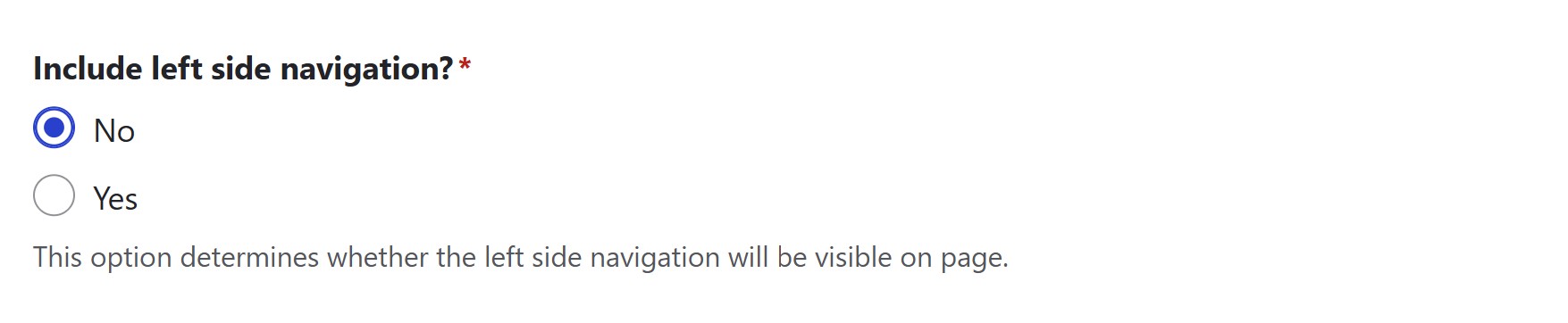
Set to "No" for including left navigation
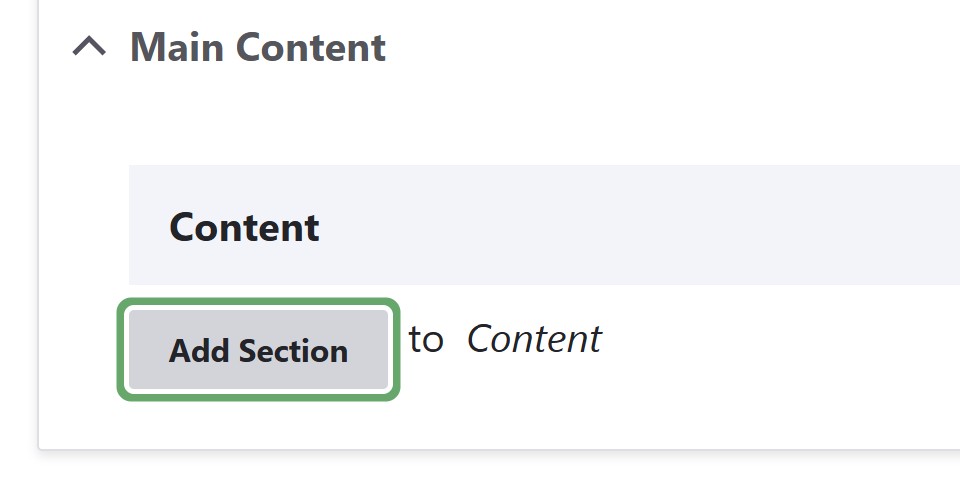
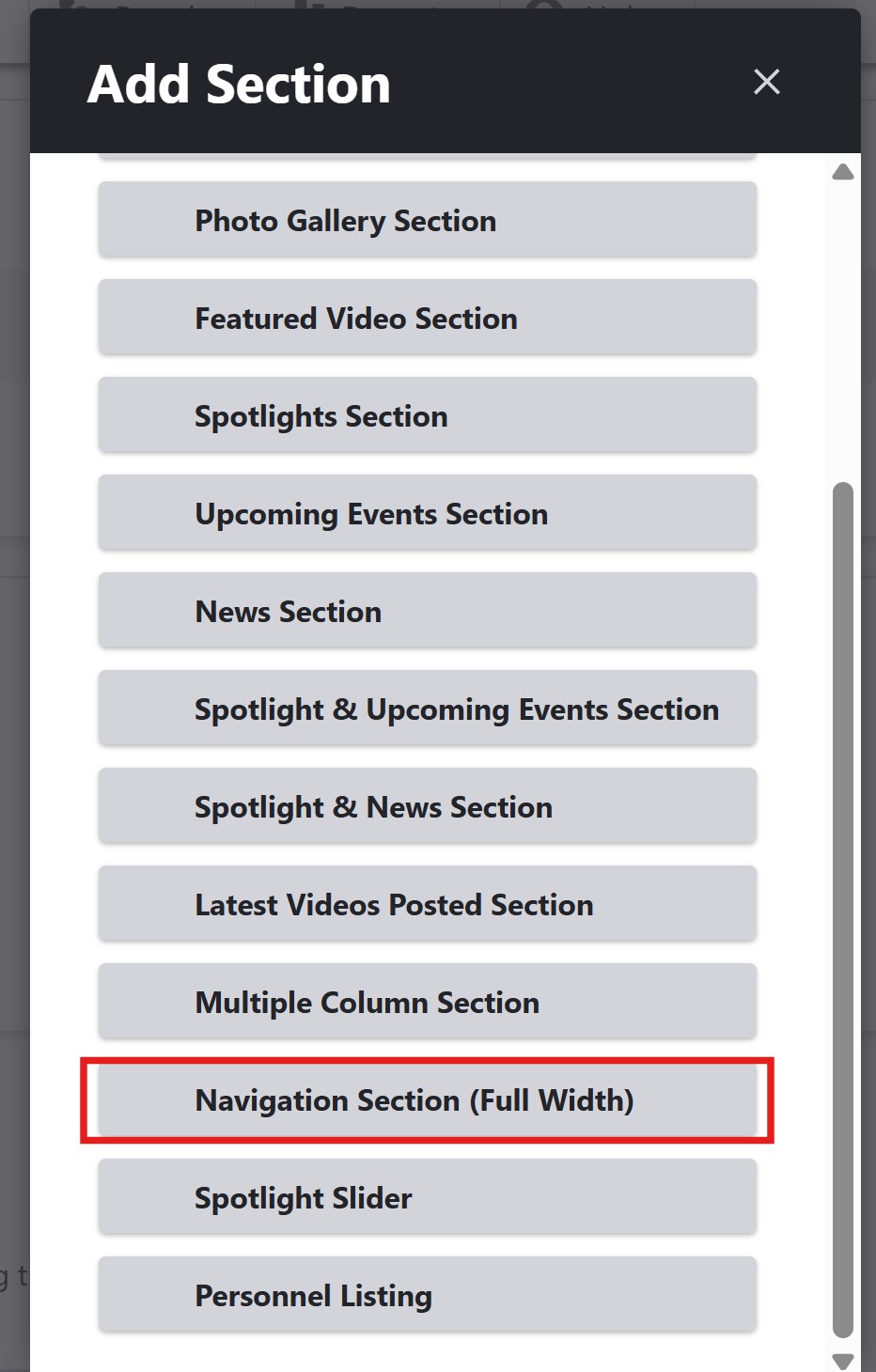
In the editing page, click Add Section, select "Navigation (Full Width)" section to add to your page, drag the section to the top of your page.